Introduction to Amazon Inspector
Posted on September 3, 2025 • 6 min read • 1,275 wordsA clear and practical overview of Amazon Inspector, AWS's vulnerability assessment service for EC2, ECR, and Lambda.

I. Overview of Amazon Inspector
Amazon Inspector is an automated vulnerability management service on AWS that automatically discovers workloads such as EC2 instances, container images in ECR, and Lambda functions, and continuously scans them for software vulnerabilities and unexpected network exposures.
It generates findings used to prioritize patches based on a contextualized risk score, which adapts the CVSS score according to the environment (e.g., absence of open ports).
II. Key Features
1. Continuous Discovery and Scanning
Amazon Inspector automatically detects eligible resources as soon as they are created or modified (packages, configuration, or new CVEs published).
It offers low-impact scans, unlike traditional tools.
2. Customized Risk Score
The Amazon Inspector risk score adjusts the NVD base score based on the runtime environment. It helps prioritize exploitable vulnerabilities over low-risk ones.
3. Multi-account Management with AWS Organizations
With AWS Organizations integration, you can assign a delegated administrator account to activate and manage scans across all member accounts. It aggregates results and manages findings and configurations.
4. Integration with EventBridge and Security Hub
Findings are published to Amazon EventBridge, enabling automated workflows (SNS, Lambda, etc.). If AWS Security Hub is enabled, findings are also sent there for centralized monitoring.
III. Calculating Amazon Inspector’s Risk Score: A Key Step
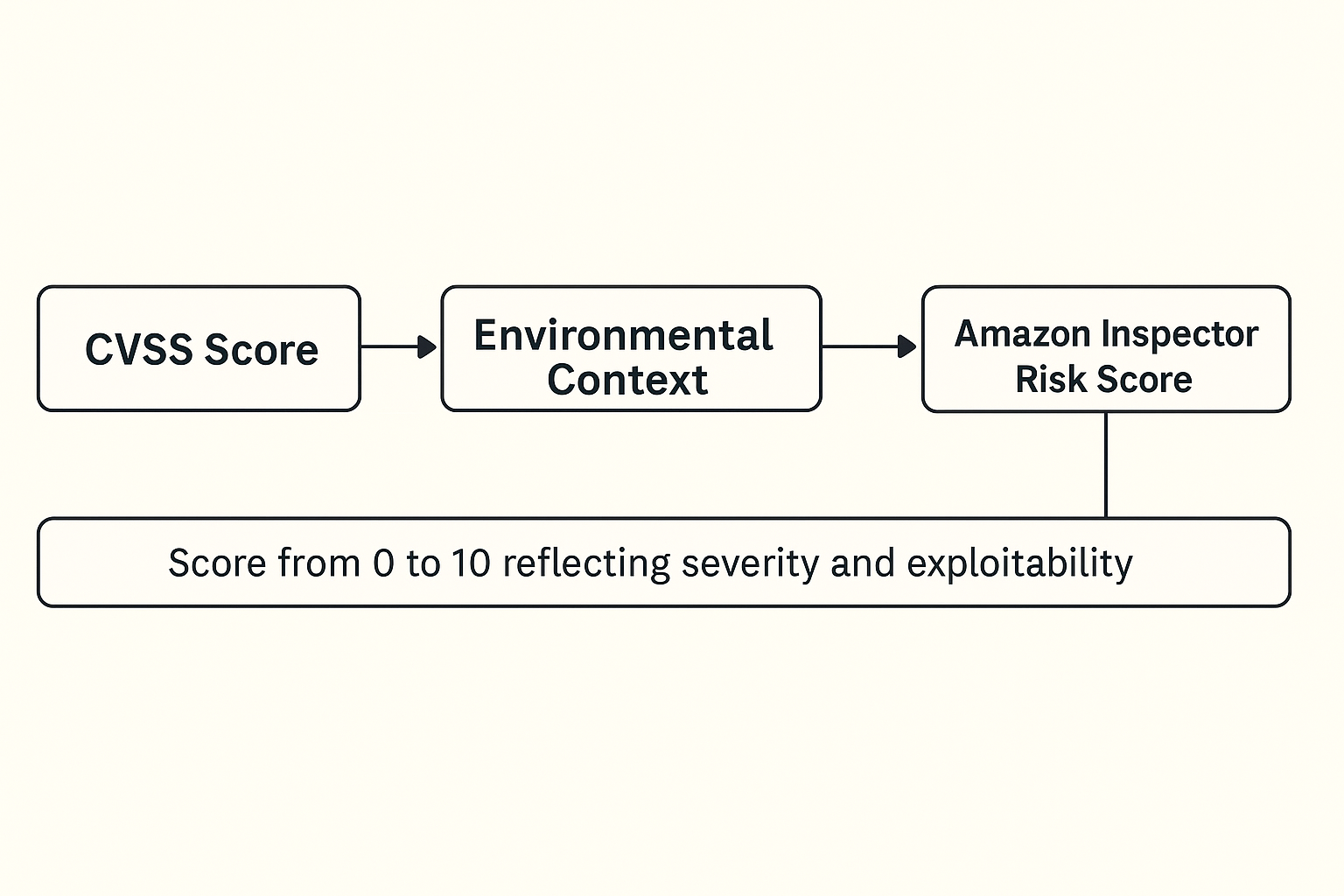
The Amazon Inspector risk score is a contextualized prioritization evaluation that improves the traditional CVSS score by adding AWS-specific environmental context.
A. Base: The Official CVSS Score
Amazon Inspector starts by leveraging the Common Vulnerability Scoring System (CVSS), typically provided by the NVD (National Vulnerability Database). This score ranges from 0.0 to 10.0, and measures vulnerability severity based on:
- Potential impact (confidentiality, integrity, availability),
- Exploit complexity,
- Required access level (local, network, etc.).
However, this score does not reflect the real-world context of the affected resource.
B. Enrichment with AWS Context
This is where Amazon Inspector excels. It enriches the CVSS score with AWS-specific information related to the affected resource, such as:
| Analyzed Element | Typical Impact on Score |
|---|---|
| Network exposure | Open ports, public accessibility via Security Groups or ACLs → increased score. |
| Vulnerable process present | Package is installed but not running → reduced score. |
| Resource type | Vulnerabilities on Lambda or EC2 vary in severity based on permissions/context. |
| Associated IAM permissions | Sensitive roles (S3, Secrets Manager, etc.) → increased score. |
| Known exploit path | Publicly available exploits or direct attack vectors → boosted score. |
C. Inspector Risk Score Calculation
The final score is not just a raw CVSS score, but a dynamic score between 0 and 10, calculated for each finding.
It comes with a criticality level:
INFORMATIONAL(score = 0)LOW(score > 0 and < 4)MEDIUM(score ≥ 4 and < 7)HIGH(score ≥ 7 and < 9)CRITICAL(score ≥ 9 and ≤ 10)
This score reflects both the intrinsic severity and actual exploitability of the vulnerability in your environment.
D. Practical Example
Imagine an EC2 instance with a vulnerable library scored 9.8 on the CVSS scale:
- Case 1: the instance is in a private subnet, no open ports → adjusted score 6.2 (reduced risk).
- Case 2: the instance is publicly exposed, and the library is actively used by a process → score remains 9.8 or higher.
IV. Use Cases and Comparison with Other Tools
Example Use Cases
- Patch Automation: Uber credits Inspector with significantly reducing the mean time to remediate by enabling automatic detection via SSM, rescanning, and centralization.
- Multi-account Coverage: Organizations like Volkswagen Financial Services or Canva benefit from automatic discovery in all member accounts via AWS Organizations.
Simplified Comparison Table
| Criteria | Amazon Inspector | GuardDuty | Inspector Classic (legacy) |
|---|---|---|---|
| Scanned Resources | EC2, ECR, Lambda | API traffic, AWS logs | EC2 only |
| Detection Type | Software vulnerabilities & network issues | Suspicious activities & threats | Periodic audits, dedicated agent |
| SSM/Organizations Support | ✔ SSM / AWS Organizations | ✘ | Limited to single account |
| Contextual Scoring | ✔ CVSS score adjusted based on context | — | Raw score |
| Deployment | Agent via SSM or agentless | Agentless, quick setup | Dedicated agent, heavier setup |
V. How It Works in Practice
- Service Activation: Use the AWS Console, CLI, or SDK to enable Inspector per region or across all accounts via AWS Organizations.
- Scan Configuration: Choose agentless or agent-based scans via SSM, configure evaluation rules, frequency, and automatic finding removal. Code Security can also be enabled to scan source code, dependencies, and IaC.
- Scanning and Findings: Workloads are continuously scanned. When a new package or CVE affects a resource, a finding is generated with details and remediation recommendations.
- Automated Handling: Findings can trigger EventBridge rules, automated remediation, CSV/JSON reports, and SBOM export.
VI. Benefits and Limitations
✅ Benefits
- Near real-time continuous scanning, low system impact.
- Smart risk scoring to prioritize actionable fixes.
- Native integration with AWS Organizations, EventBridge, Security Hub.
- Multi-resource support (EC2, containers, Lambda, source code).
- Compliance readiness with frameworks like NIST CSF, PCI DSS.
⚠️ Limitations
- Cost: around $1.25 per instance per month. Partial workload activation not supported.
- Dependency on Amazon SSM Inventory: Some package installations may be missed.
- Scalability challenges: managing findings at very large scale (10k+ instances) can be complex.
VII. For DevOps Coming from Google Cloud Platform (GCP)
For DevOps professionals familiar with Google Cloud Platform, Amazon Inspector can be seen as a service combining the capabilities of Container Scanning in Artifact Registry, Security Command Center, and Cloud Security Scanner. However, its logic is fully rooted in AWS primitives: AWS Systems Manager (SSM), Amazon EventBridge, Security Hub, and AWS Organizations.
In GCP, security analysis is typically triggered during CI/CD steps or upon image import into Artifact Registry. In contrast, Amazon Inspector performs continuous scanning on:
- EC2 instances (via SSM),
- ECR container images,
- and Lambda functions,
even after deployment, with no manual action required.
It actively monitors package changes, newly published CVEs, or configuration changes in real time.
Another key difference is that Inspector introduces a contextualized risk score, which dynamically adjusts the CVSS base score according to actual exposure (open ports, IAM role, network accessibility, etc.). By comparison, GCP tools often assign a raw CVSS score without considering runtime context.
A. Example of an Automated Response Workflow
Thanks to EventBridge, you can configure a fully automated workflow:
- A critical finding is detected on an EC2 instance;
- EventBridge triggers a Lambda function;
- This function applies an automatic “quarantine:true” tag or isolates the instance using a restrictive Security Group;
- Everything is logged centrally in AWS Security Hub.
This kind of native orchestration is smoother than with equivalent GCP tools, which often require custom scripts or third-party integrations.
B. Multi-account Management: AWS Organizations vs. GCP Projects
GCP uses folders and projects to enable modular management, but this requires fine-grained and sometimes repetitive IAM configuration. Amazon Inspector, via AWS Organizations, allows you to assign a delegated administrator account to manage all member accounts. This central account handles:
- centralized Inspector activation,
- consolidated findings visibility,
- EventBridge rule configuration.
This leads to simpler and more centralized governance, especially helpful in large-scale environments.
C. IAM: Finer Granularity in AWS
Finally, note that IAM permissions management differs: AWS allows for more granular delegation per resource, using conditional policies (by tags, IP, time-of-day, etc.). This enables more precise and dynamic security control, which is especially useful in multi-team environments.
VIII. Conclusion
Amazon Inspector is a robust and professional-grade tool for managing software vulnerabilities on AWS, offering clear benefits in terms of automation, smart prioritization, deep AWS integration, and multi-account support. It is especially well-suited for DevOps and security teams, as well as regulated industries.